Smart thermostats promise enhanced comfort and significant energy savings, yet their full potential often goes unrealized due to preventable missteps. These devices are more than simple temperature regulators; they are sophisticated systems designed to learn, adapt, and integrate with your lifestyle and home infrastructure. Understanding the common pitfalls, from initial setup to ongoing management, is crucial for unlocking their advertised benefits. This guide outlines key mistakes to avoid, ensuring your investment delivers on its promise of efficiency and convenience.
Common Installation and Setup Errors
Ignoring HVAC System Compatibility
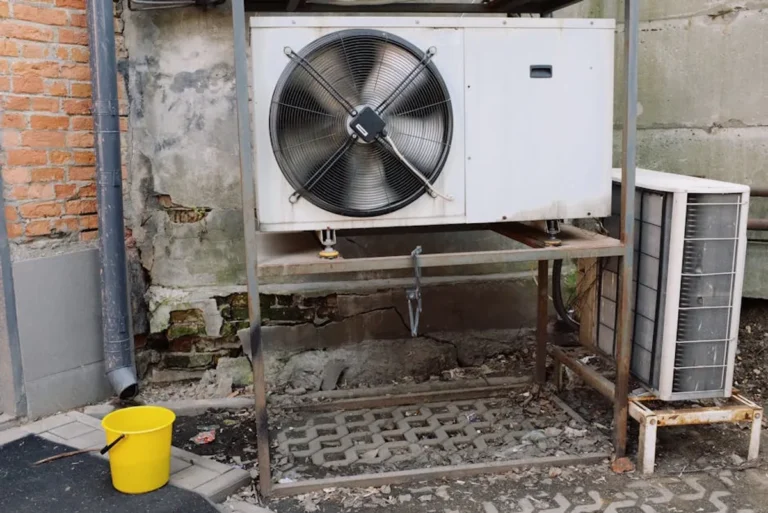
One of the most fundamental errors is assuming universal compatibility. Not all smart thermostats work with every HVAC system type. Older, single-stage heating and cooling systems often present fewer compatibility challenges than multi-stage systems, heat pumps, or systems requiring specific C-wire (common wire) connections for continuous power. Failing to verify your system's voltage, wiring configuration, and specific equipment type against the thermostat's requirements can lead to installation roadblocks, system damage, or suboptimal performance. Always consult the thermostat manufacturer's compatibility checker and your HVAC system's documentation before purchase. Verifying compatibility upfront prevents issues down the line and ensures you understand how these devices function with your specific setup.
Improper Wiring and Power Supply
Incorrect wiring is a frequent cause of smart thermostat malfunctions. While many smart thermostats offer simplified wiring guides, misconnecting wires can prevent the unit from powering on, communicating with your HVAC system, or even short-circuiting components. The C-wire, in particular, is a common point of confusion. Many smart thermostats require a C-wire to draw consistent power, as they cannot rely solely on battery power or "power stealing" from other wires, which can strain your HVAC transformer. If your existing thermostat wiring lacks a C-wire, solutions like power extenders or professional installation may be necessary. Always turn off power to your HVAC system at the breaker before attempting any wiring.
Skipping Comprehensive App Configuration
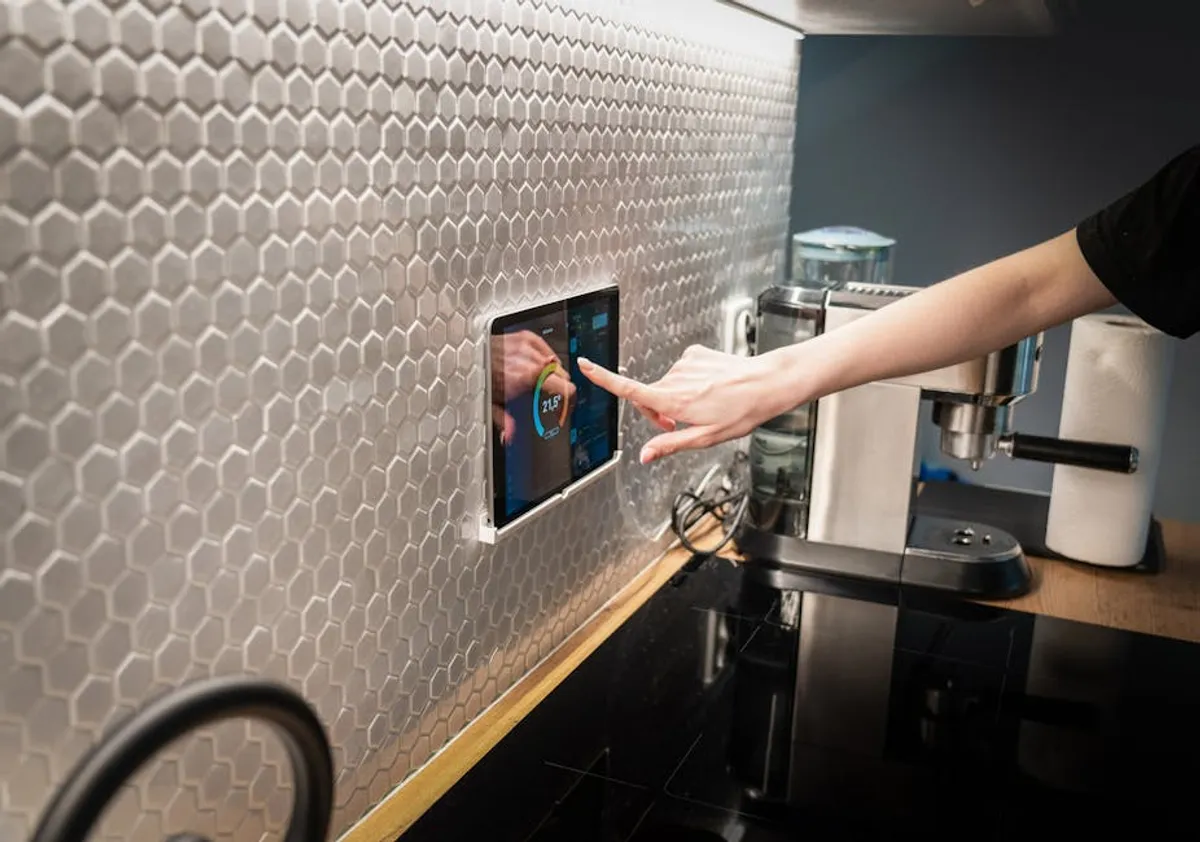
The physical installation is only half the battle. Many users overlook the critical step of fully configuring their smart thermostat through its companion mobile application. This app is the gateway to advanced features, including remote control, detailed scheduling, energy usage reports, and integration with other smart home platforms. Simply connecting to Wi-Fi and setting a basic temperature often leaves significant functionality untapped. Ensure you explore every setting, from home/away detection and geofencing to fan control and humidity settings, to tailor the device to your specific needs and maximize its efficiency potential.
Mismanaging Programming and Scheduling
Over-complicating Schedules
While smart thermostats offer granular control over temperature schedules, creating overly complex or frequently changing programs can negate energy savings and disrupt comfort. A schedule with too many temperature changes throughout the day can force your HVAC system to cycle on and off more frequently, leading to increased wear and tear and potentially higher energy consumption. Aim for a simpler, consistent schedule that aligns with your household's typical occupancy patterns, allowing for minor adjustments as needed. The goal is efficiency and comfort, not constant micro-management. Adhering to best practices for scheduling will maximize both comfort and energy efficiency.
Neglecting Geofencing and Occupancy Sensors
Many smart thermostats incorporate geofencing (using your phone's location to determine if you're home) or built-in occupancy sensors to automatically adjust temperatures. Failing to enable or properly calibrate these features is a missed opportunity for automated energy savings. If your thermostat thinks you're home when you're not, it will continue to heat or cool an empty house. Conversely, if it incorrectly assumes you're away, you might return to an uncomfortable environment. Ensure these features are active, your phone's location services are enabled for the thermostat app, and sensor placement is optimal for accurate detection.
Pro Tip: When setting temperature setbacks, avoid extreme changes. Dropping the temperature too low in winter or raising it too high in summer while away can sometimes require more energy to return to your desired comfort level than if you had maintained a smaller, consistent setback. Aim for a setback of 7-10 degrees Fahrenheit for optimal efficiency.
Setting Unrealistic Temperature Swings
Programming large temperature swings between "away" and "home" modes, or between day and night, can strain your HVAC system and impact comfort. For example, letting your home get excessively cold in winter and then demanding a rapid 15-degree increase when you return home forces your furnace to work harder and longer. This not only consumes more energy in a short burst but also delays achieving your desired comfort. Gradual temperature adjustments, typically within a 5-10 degree range, are generally more efficient and maintain a more consistent, comfortable indoor environment.
Overlooking Maintenance and System Integration
Forgetting Firmware Updates
Like any smart device, smart thermostats receive regular firmware updates. These updates often include performance improvements, bug fixes, new features, and critical security patches. Neglecting to install these updates can leave your device vulnerable to security threats or cause it to miss out on efficiency enhancements. Most smart thermostats update automatically, but it's wise to periodically check the app or device settings to ensure it's running the latest software version.
Ignoring Sensor Placement and Calibration
The accuracy of your smart thermostat's temperature readings is paramount. Placing the thermostat near heat sources (like direct sunlight, lamps, or electronics), cold drafts, or in an unrepresentative part of your home can lead to inaccurate readings and inefficient heating or cooling cycles. Additionally, some smart thermostats offer remote sensors to monitor temperature in other rooms. Improper placement or calibration of these sensors can lead to uneven heating/cooling and wasted energy. Ensure the main unit and any remote sensors are located away from obstructions and environmental anomalies.
Key considerations for sensor placement:
- Avoid direct sunlight exposure.
- Keep away from heat-generating appliances (TVs, computers).
- Ensure no drafts from windows or doors.
- Place at a height that represents average room temperature.
- If using remote sensors, distribute them strategically in high-traffic or problem areas.
Disconnecting from Other Smart Home Devices
The true power of a smart thermostat often lies in its integration with other smart home devices. Forgetting to link it with smart lighting, smart plugs, or voice assistants like Google Assistant or Amazon Alexa can limit its convenience and automation capabilities. For instance, integrating with smart door locks could tell your thermostat you've left the house, even if geofencing is temporarily offline. Leveraging these connections creates a more cohesive and responsive smart home ecosystem, enhancing both comfort and energy management.
Data Privacy and Security Oversights
Using Weak Passwords
Your smart thermostat connects to your home network and often stores data about your daily routines and energy usage. Using weak, easily guessable passwords for both your Wi-Fi network and your thermostat's associated app account leaves your home vulnerable. A compromised thermostat could potentially allow unauthorized access to your network or provide insights into your occupancy patterns, posing a security risk. Always use strong, unique passwords and consider two-factor authentication if available.
Neglecting Home Network Security
The smart thermostat is part of your broader home network. If your Wi-Fi router's security settings are weak or outdated, any connected device, including your thermostat, becomes a potential entry point for cyber threats. Ensure your router uses WPA2 or WPA3 encryption, has a strong administrative password, and its firmware is regularly updated. Creating a separate guest network for smart devices, if your router supports it, can add an extra layer of isolation and security.
Maximizing Your Smart Thermostat's Potential
Avoiding these common mistakes transforms a smart thermostat from a novelty into a powerful tool for energy management and home comfort. The initial investment in time for proper installation and configuration, coupled with ongoing attention to programming and maintenance, will yield significant dividends in both utility savings and a more responsive, intelligent home environment. Regularly reviewing your settings, staying informed about updates, and leveraging all available features ensures you get the most out of your smart climate control system.
Frequently Asked Questions
Do smart thermostats really save money?
Yes, when properly installed and programmed, smart thermostats can reduce energy consumption for heating and cooling by 10-15% or more. Savings come from optimized scheduling, geofencing, remote control, and learning algorithms that adapt to your preferences.
What is a C-wire and why is it important?
A C-wire (common wire) provides a continuous 24V AC power supply to your smart thermostat. Many smart thermostats require this constant power for their Wi-Fi connectivity and advanced features, as they cannot run solely on batteries or "power steal" from other HVAC wires without potentially damaging your system.
How often should I check for smart thermostat updates?
Most smart thermostats update automatically when connected to Wi-Fi. However, it's good practice to periodically check your thermostat's companion app or device settings every few months to ensure it's running the latest firmware, especially if you notice any unusual behavior or new features are announced.
Can I control my smart thermostat away from home?
Yes, a primary benefit of smart thermostats is remote control via a smartphone app. As long as your thermostat is connected to your home Wi-Fi and your phone has an internet connection, you can adjust settings, monitor usage, and receive alerts from anywhere.